10. Test it properly
"It showed up on the doll" is the start of testing, not the end. Here's the list we ran, what we saw, and the traps that cost us time.
The checklist
- The log says
Loaded Mod: <name> (<version>), with the version you just built. If it doesn't, stop. - The doll wears it, front and back.
- Third person in the world: it moves with the body when you walk, run, crouch and swing.
- First person: no collar in your face. Look down, look up, swing a tool.
- Both sexes. Make a male and a female profile; each uses its own prefab.
- The info panel shows the stats you expect, at a quality you gave on purpose.
- Wardrobe: locked before scrapping, unlocked after, Apply Cosmetic works.
- A dedicated server, joined from a client.
- Removing the mod from a save that's wearing it.
On a server
The server needs the mod too, DLL included. The character, its unlocked looks and its worn look all live in the server's save, and the server builds the cosmetic table the same way the client does.
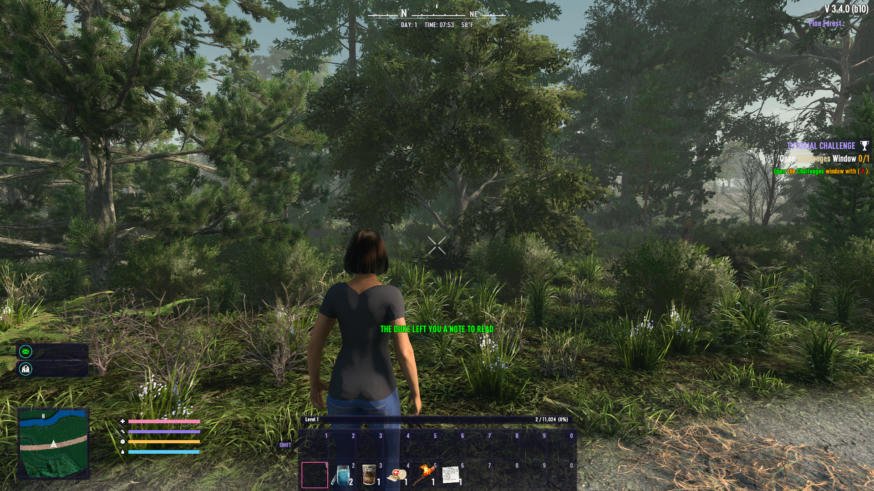
We tested on a local dedicated server (V3.4 b6, client b10): a fresh character saw both looks locked, scrapped one tee and jeans, applied the look, and still wore it after leaving and rejoining.
We didn't try a full server restart. If you do, tell us.
Removing the mod
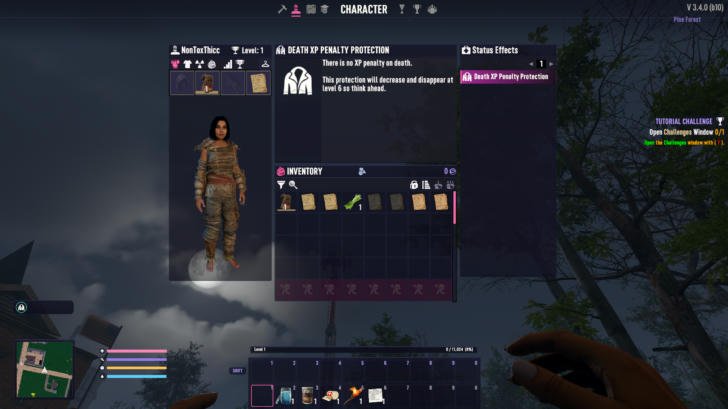
What happens to a save that's wearing your look when someone uninstalls you? We tried it. The save loaded fine, and the log said:
WRN [Equipment] Unknown cosmetic id 7461002 in slot 1; slot cleared
The player wore their plain armor. And the unlock is kept: the game stores unknown ids in the unlocked list as plain numbers, so with the mod put back, the look applied again without another scrap.
What happens to tee items in a backpack while the mod is gone, we didn't check.
Traps
The mirrored print. Unity is left-handed and the player faces +z. A front projection with u along +x prints backwards. Ours said "ZAH NAC I". Use -x. (Step 5)
Washed out in game. Your Unity project is in Gamma. Switch to Linear and rebuild. The textures were never the problem. (Step 6)
Collar fills the first-person view. The material has no _ClipFPV property, or the mesh has no red vertex colours where it should be cut. You need both. (Step 6)
Zero armor. No effect_group, or the item Extends one that has it. Extends never copies effect groups. (Step 8)
Quality 0 forever. Items you gave before adding stats keep quality 0. Give fresh ones with a quality.
Scrapping unlocks nothing. The item isn't in the cosmetic mapping. Check the log for your DLL's lines. (Step 9)
A curtain hanging off the arm. A signed distance to an open surface (the torso with the arm holes) leaks "inside" out through the holes. Take the sign from the whole body. (Step 4)
The console glues commands together. If you script the F1 console with some automation tool, typing a newline doesn't submit. Press Return as a key. We dropped two items on the ground with one glued-together giveself before we figured that out.
Feet sink into the ground. The player stands on their own feet: the body's lowest point is right at y 0. Gear can't lift the player, so anything you put under the sole (platform shoes, thick sandals) goes into the floor.
Where to go from here
Swap in your own mesh and art. The closing radius, gap and cuts are all just numbers: long sleeves are one constant, a crop top is another. Skirts and anything that swings need extra bones under the prefab's Origin (the game copies them onto the player rig), which is a tutorial of its own.
And if you make something, show us. That's the whole point of writing this down.